Hotline: 16297 (9 AM to 8 PM)




 Hello, Sign in
 Cart
Cart 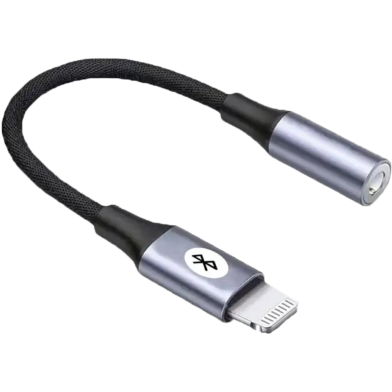





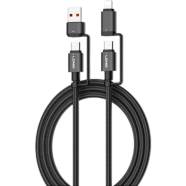
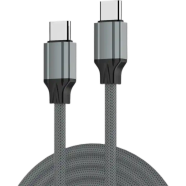
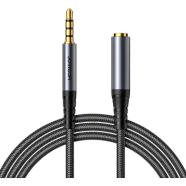
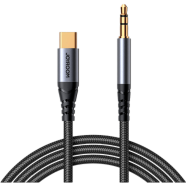
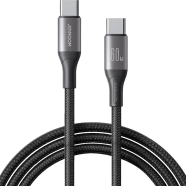
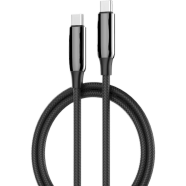
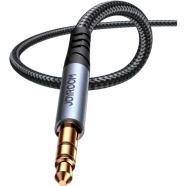
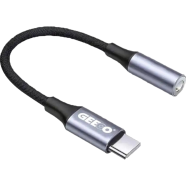
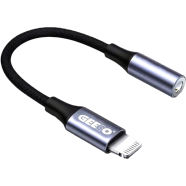
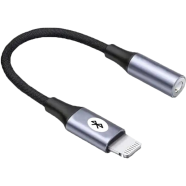
With the GEEOO AD5, connect 3.5mm wired headphones to Lightning port devices running iOS 10 or later. High-fidelity audio output supports both music playback and hands-free calling. This updated version replaces the old TPE cable with a braided fabric exterior to reduce wire breakage.
Key Features
- Dual-Signal Support: Integrated chipset processes audio output and microphone input signals. Use wired headsets for calls on iOS devices.
- Reinforced Build: Aluminum alloy connectors combined with a braided fabric exterior. Resists wire fraying during heavy daily use.
- Hardware Detection: Instant plug-and-play interface removes the need for Bluetooth pairing. Connects wired headphones to Lightning ports without delay.
- Audio Conversion: Digital signal processing maintains signal clarity across the frequency range. Prevents signal loss for this iPhone headphone jack converter BD.
Frequently Asked Questions
Does GEEOO AD5 support calling?
The internal chipset handles both microphone input and remote volume control. This enables hands-free functionality for calls and voice recordings.
How to connect 3.5mm headphones to iPhone 13?
Plug the adapter into the Lightning port and insert the 3.5mm jack. iOS 10 or later detects the hardware instantly without extra configuration.