Hotline: 16297 (9 AM to 8 PM)




 Hello, Sign in
 Cart
Cart 
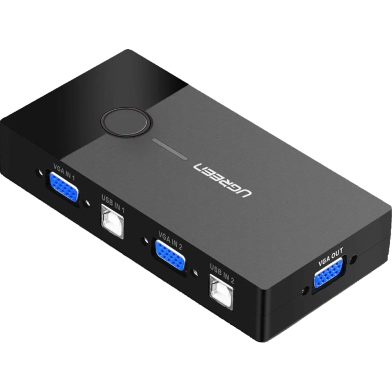





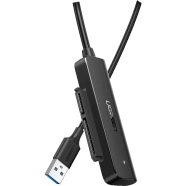
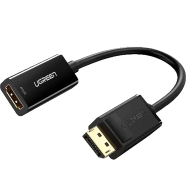
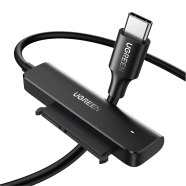
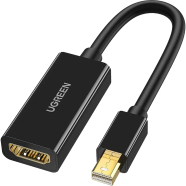
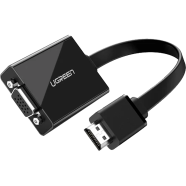
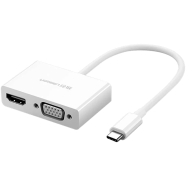
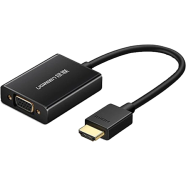
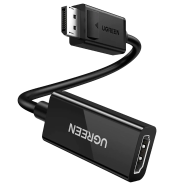
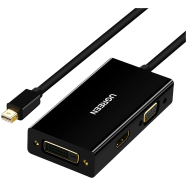
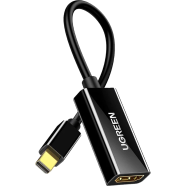

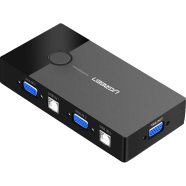
The UGREEN CM595 2-Port USB KVM Switch Box toggles one monitor and two peripherals between two separate computer towers. Physical push-button control manages the hardware link without software installation. With 1920x1440 resolution support, video signals remain sharp across both connected PC units.
Key Features
- One-Button Switching: Physical manual push-button toggle alternates between two active computer inputs. Skip complex hotkeys for faster transitions.
- Driver-Free Setup: USB bus-powered design eliminates the need for external power adapters. Works immediately across most operating systems.
- 12-Month Warranty: Standard factory coverage against internal component or circuit failure. Provides a replacement path for hardware defects.
- ABS Plastic Housing: Heat-resistant 136x68x24 mm frame weighing 136 grams. Resists road dust in BD office spaces.
- VGA Video Support: Maximum resolution output of 1920x1440 at 60Hz. Prevents image blur on older analog monitors.
Frequently Asked Questions
Does UGREEN CM595 need external power?
The unit draws power directly from the connected USB-B host ports. It functions without an external wall plug or additional cables.
How to connect UGREEN 30357 KVM switch?
Attach two computers to the VGA and USB-B inputs using the included cables. Connect your monitor and mouse to the output ports for instant control.