Hotline: 16297 (9 AM to 8 PM)




 Hello, Sign in
 Cart
Cart 
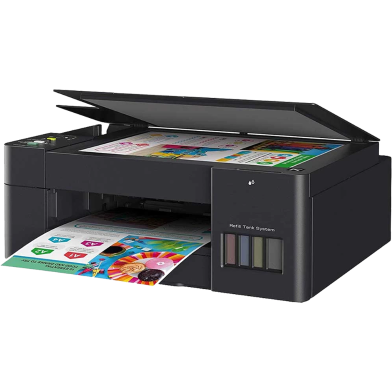





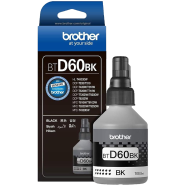
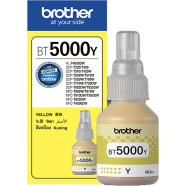
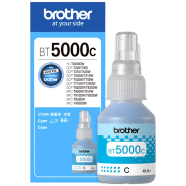
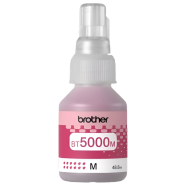
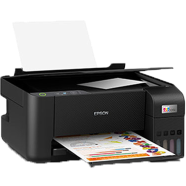
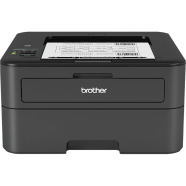
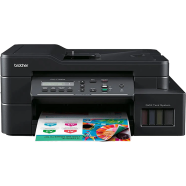
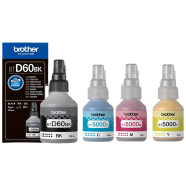
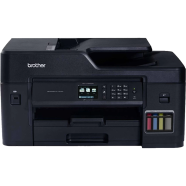
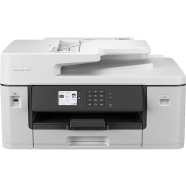
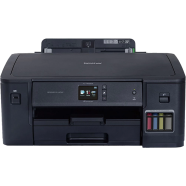
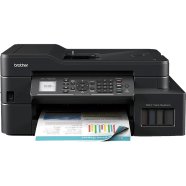
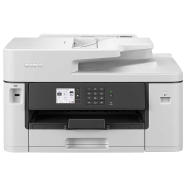
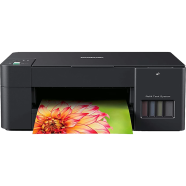
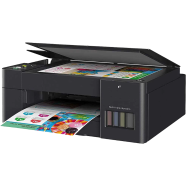
The Brother DCP-T420W manages high-volume printing, scanning, and copying through an 802.11b/g/n wireless interface. With a 1200 x 6000 dpi resolution, it outputs sharp text at 28ppm speeds. Home offices utilize this model as a best ink tank printer for home use BD due to its low cost per page.
Key Features
- Mobile Printing: 802.11b/g/n wireless connectivity via Brother iPrint&Scan. Print files directly from smartphones without using a PC.
- High Yield Ink: 7,500 Black and 5,000 Color page capacity. One refill cycle covers several thousand document pages.
- Visual Monitoring: Transparent ink tank cover. Check fluid levels instantly to prevent air bubbles in the lines.
- Fast Response: 6.5-second mono first print out time. Get single documents quickly without waiting for long warm-up cycles.
- Enclosed Tray: 150-sheet internal paper capacity. Protects paper from road dust and humidity during storage.
Frequently Asked Questions
Can Brother DCP-T420W print on 160 GSM paper?
The paper tray supports up to 80 gsm standard office paper. Using 160 gsm media likely causes feed jams or roller damage.
How to connect Brother T420W to WiFi?
Use the Brother iPrint&Scan app or the wireless setup button on the LED panel. The printer detects 2.4GHz signals for mobile and network pairing.
What is the Brother DCP-T420W wireless setup process for Mac?
Download the AirPrint drivers or the Brother iPrint&Scan desktop application. Connect the device to the same local network as the Mac for recognition.