Hotline: 16297 (9 AM to 8 PM)




 Hello, Sign in
 Cart
Cart 
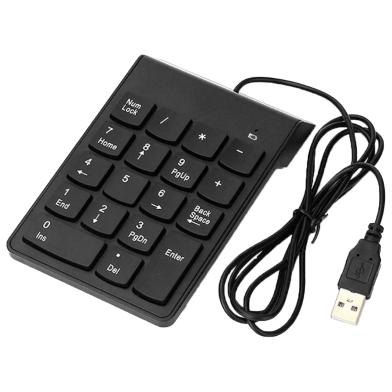







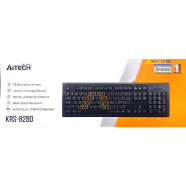
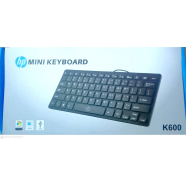
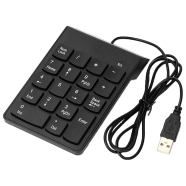
The USB Numeric Keypad adds 18 tactile keys to any standard laptop setup for faster accounting. With a 1.2m cable, it connects via USB 2.0 for immediate data entry. No driver installation is required for Windows, Mac, or Linux systems.
Key Features
- Plug-and-Play Setup: USB 2.0 interface requires no external driver installation. Connects and operates instantly on most operating systems.
- Ergonomic Tilt: Integrated slope maintains a natural wrist angle. Reduces physical fatigue during high-volume data entry.
- 5 Million Click Life: Mechanical switches rated for high-frequency usage. Withstands heavy tactile pressure over several years of operation.
- Spill-Resistant Build: Hard ABS plastic casing with internal drainage. Resists liquid damage and common road dust buildup.
- 1.2m Connection Cable: Sufficient length for routing behind monitors or laptop stands. Weighs 110g for easy transport in laptop bags.
Frequently Asked Questions
How to use USB numeric keypad on laptop?
Insert the USB 2.0 connector into any available port on your machine. The system recognizes the 18 keys immediately without additional software.
Does USB numpad work with Mac?
This hardware is compatible with macOS alongside Windows and Linux. Most standard numeric functions operate across all these operating systems.