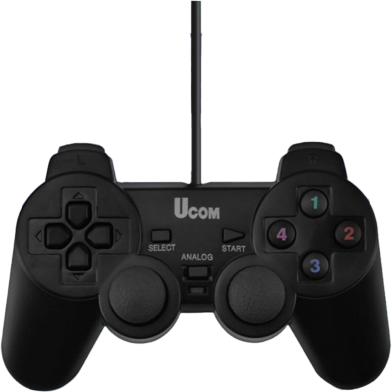
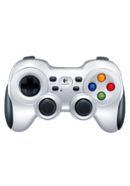
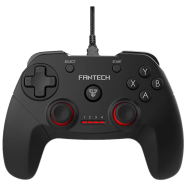
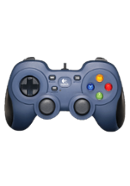
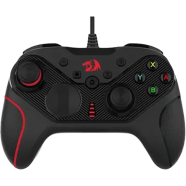
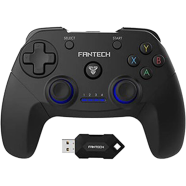
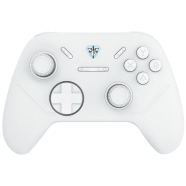
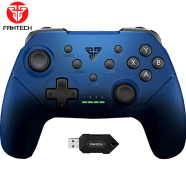
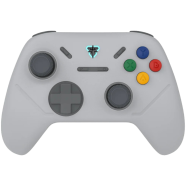
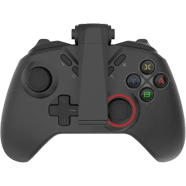
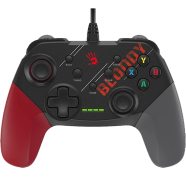
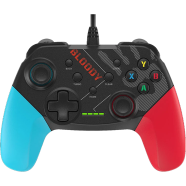
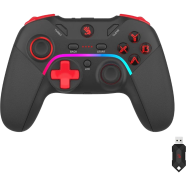
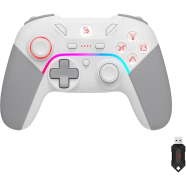
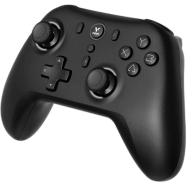
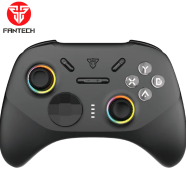
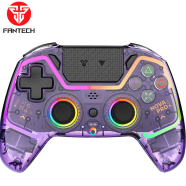
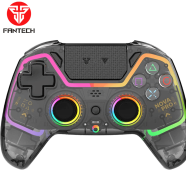
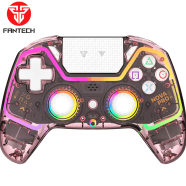
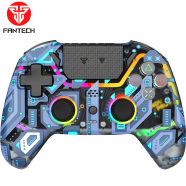
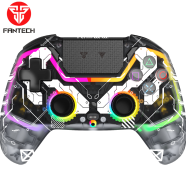
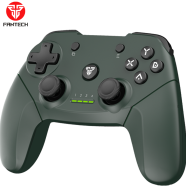
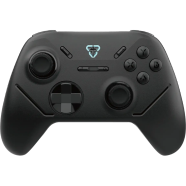
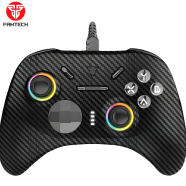
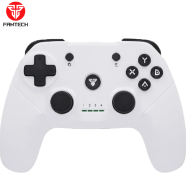
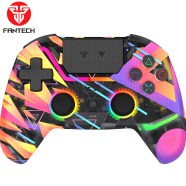
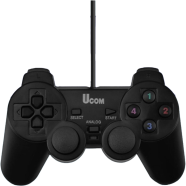
Ucom PC Vibration Joypad Game Pad Controller For PC Laptop Mobile Not Supported image

Ucom PC Vibration Joypad Game Pad Controller For PC Laptop Mobile Not Supported

Brand: Non-Brand

Category: Joystick and Gamepad

TK. 500

Highlights:

  • Country of Origin: China
delivery-unscreen-ezgif-com-resize

Become a supplier

Submit your rate and become
a supplier of this product

×
Ucom PC Vibration Joypad Game Pad Controller For PC Laptop Mobile Not Supported

Product Name: Ucom PC Vibration Joypad Game Pad Controller For PC Laptop Mobile Not Supported

Product Brand: Non-Brand

Country of Origin: China

Enter Supply Rate Per Product

Please enter a valid rate amount

confirmation-image

Rate Submitted!

Thank you. Our team will review your rate
and contact you soon.

happy return icon

7 Days Happy Return

cash on delivery icon

Cash On Delivery

Specification

Title: Ucom PC Vibration Joypad Game Pad Controller For PC Laptop Mobile Not Supported
Brand: Non-Brand
Country of Origin China
Buttons 11 Fire Buttons
Modes Digital/Analog

Summary

Ucom PC Vibration Joypad links to computers through a 1.8m USB connection. Internal dual shock motors generate haptic feedback during gameplay. Compatibility spans Windows XP to Windows 11 for immediate use.

Key Features

  • Dual Shock Motors: Internal hardware generates physical force feedback during gaming. Heavy sweat won't stop the haptic response.
  • 11 Fire Buttons: Dedicated input points for custom mapping of game buttons. Layout handles complex combat combos.
  • 8-Way D-Pad: Cross-directional tactile pad for movement in 2D environments. Fixed inputs reduce directional errors.
  • 1.8m USB Cable: Long-wire tether for connection to distant PC towers. It stays connected during movement.
  • Dual Analog Sticks: 360-degree thumbsticks for navigation in 3D game worlds. These sticks allow precise camera aiming.

Frequently Asked Questions

Does Ucom gamepad support Windows 10?

Support covers Windows XP through Windows 11. The system recognizes the hardware immediately upon connection via USB.

How to setup Ucom vibration controller on PC?

Connect the USB cable to an available port. Use 'Joy To Key' software for games lacking native controller support.

Brand Information

Non-Brand image
Non-Brand

We offer a diverse range of products that embody our philosophy. From stationeries and accessories to home decor and lifestyle essentials, each item is collected by prioritizing quality and sustainability, ensuring that our products not only look and feel great but also leave a positive impact on the world around us.

Sponsored Products Related To This Item

Customers Also Bought

Similar Category Best Selling Products

Reviews and Ratings

sort icon

Product Q/A

Have a question regarding the product? Ask Us

Show more Questions

"Ucom PC Vibration Joypad Game Pad Controller For PC Laptop Mobile Not Supported" added to the comparison list.

Go to comparison page

Create a New List

Write a Review

Ucom PC Vibration Joypad Game Pad Controller For PC Laptop Mobile Not Supported

৳ 500 ৳500.0

Please rate this product

Product

Ucom PC Vibration Joypad Game Pad Controller For PC Laptop Mobile Not Supported

Brand: Non-Brand

Sold by: AJ Technology

TK. 500
Superstore
Up To 65% Off

Recently Viewed